
Count with confidence
Assign stock counts, record observations and review variances. Owner approval keeps every adjustment accountable.
YOUR SHOP. YOUR WAY.
From the first item on the counter to the last receipt of the day. Keep your sales, stock and team together with Tafity POS.
On your desktop, tablet or phone.

Search or scan products, hold a basket and pick up where you left off.
Record purchases, count stock and review the differences before approval.
Follow sales, register sessions and branch activity from one place.
MADE FOR THE WORKING DAY
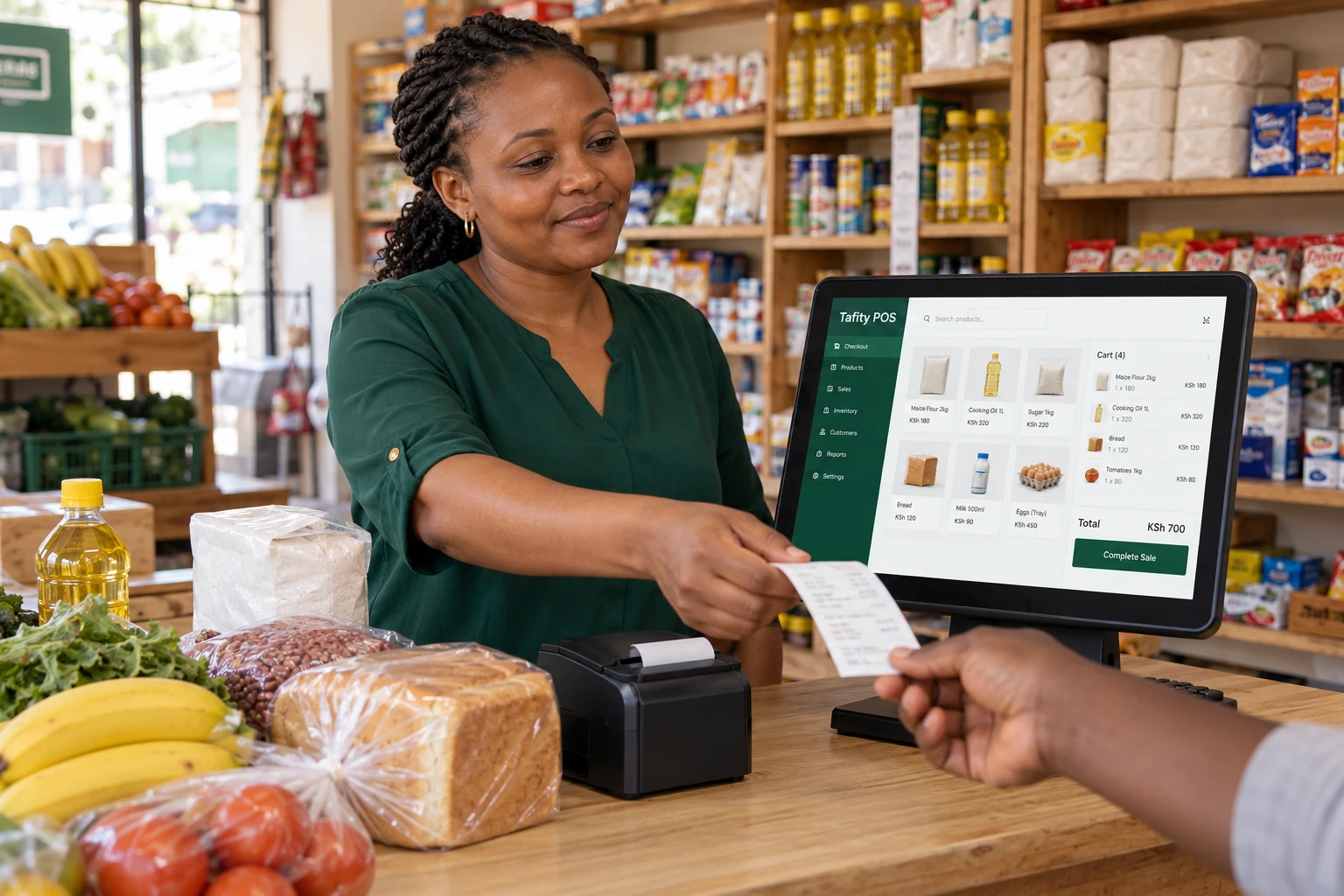
Your customer is ready. Your till should be too. Put the tools your cashier uses most within easy reach.
Use product search or a barcode scanner. Sell in singles, packs or cartons with the right price for each unit.
Print a receipt, reopen a completed sale or check a pending payment using its existing reference.
Hold a basket while you serve the next customer, then resume it when they are ready.
BEYOND THE COUNTER
Make the work behind every sale easier to follow, whether you run one shop or several branches.
Find your packageAssign stock counts, record observations and review variances. Owner approval keeps every adjustment accountable.
Track suppliers, receive stock and follow purchase payments without losing the link to your inventory.
Separate owner, manager, cashier and viewing access. Keep branch work and register sessions organized.
Review sales and stock reports, compare activity and see where your attention is needed.
STRAIGHTFORWARD PACKAGES
Choose the branch, team and product limits that suit your business. All prices shown are for the billing period listed.
Perfect for a single shop getting started.
KES 1,500.00
per month
Get startedRecommended
Full-featured plan for growing businesses.
KES 3,500.00
per month
Get startedFor businesses with multiple locations.
KES 7,000.00
per month
Get startedUnlimited branches and users for large operations.
KES 15,000.00
per month
Get startedAlready using Tafity POS? Log in to manage your subscription.
PART OF TAFITY
Open Tafity Receipt and Tafity Analytics from POS. Each product has its own service access and subscription.
A FEW USEFUL ANSWERS
Yes. Choose Continue with Tafity on the POS login page when shared sign-in is configured. You can also use separate POS credentials. Existing POS users connect their Tafity account after signing in.
Tafity POS has a responsive interface for desktop, tablet and mobile browsers. You can also install it from a supported browser as an app on your device.
Yes. Branch and team limits follow your chosen package. Owners manage access, while each team member works within their assigned permissions.
Use Pending payments to check the existing payment reference before starting another charge. Confirmed payments can be recovered if checkout was interrupted.
LET'S GET TO WORK